Description
Excel Monthly Savings Tracker
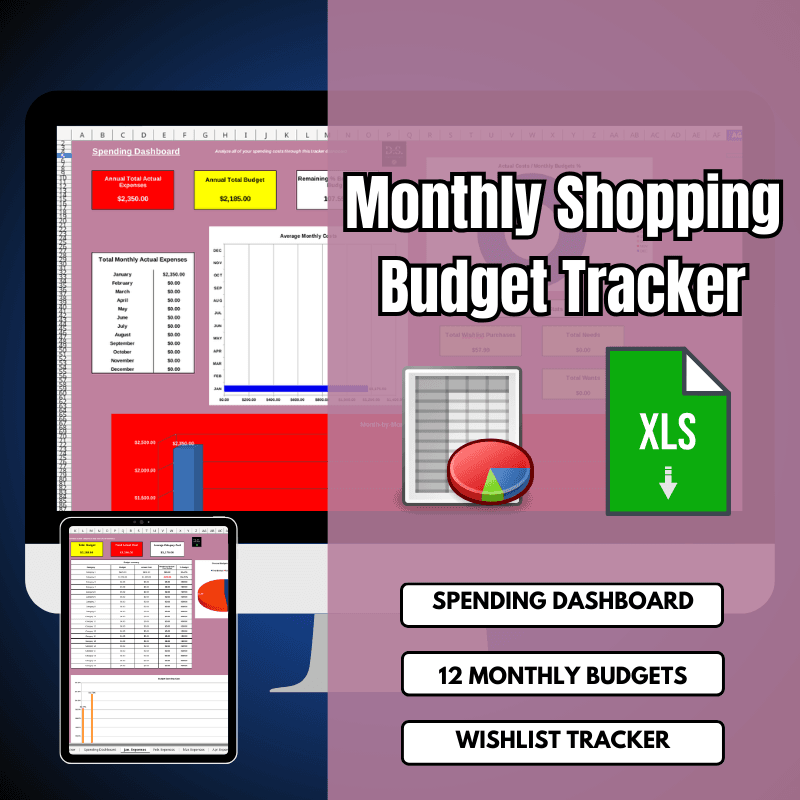
Make a major change to your shopping habits and financial future with the Excel Monthly Savings Tracker, a complete spreadsheet tool made to help you set planned budgets for everything you need and want, while giving you a clear look at your spending.
Whether you’re managing household essentials, tracking impulse buys, or planning for big-ticket items. This Excel file empowers you to log expenses, monitor budgets, and gain actionable insights into your spending patterns. With categories for basic expenses like Food, Housing, and Transportation, you can set monthly budgets for each area and easily account for actual costs—even if you go over budget.
The tool’s intuitive design includes automated calculations and metrics to highlight overspending, ensuring you stay on track toward financial goals. This all-in-one Excel file features three key spreadsheets: Spending Dashboard, Wishlist Tracker, and 12-Monthly Shopping Budgets, making it an essential resource for budget-conscious individuals, families, or anyone looking to optimize their shopping behaviors.
Spending Dashboard: Your Year-at-a-Glance Financial Savings Tracker
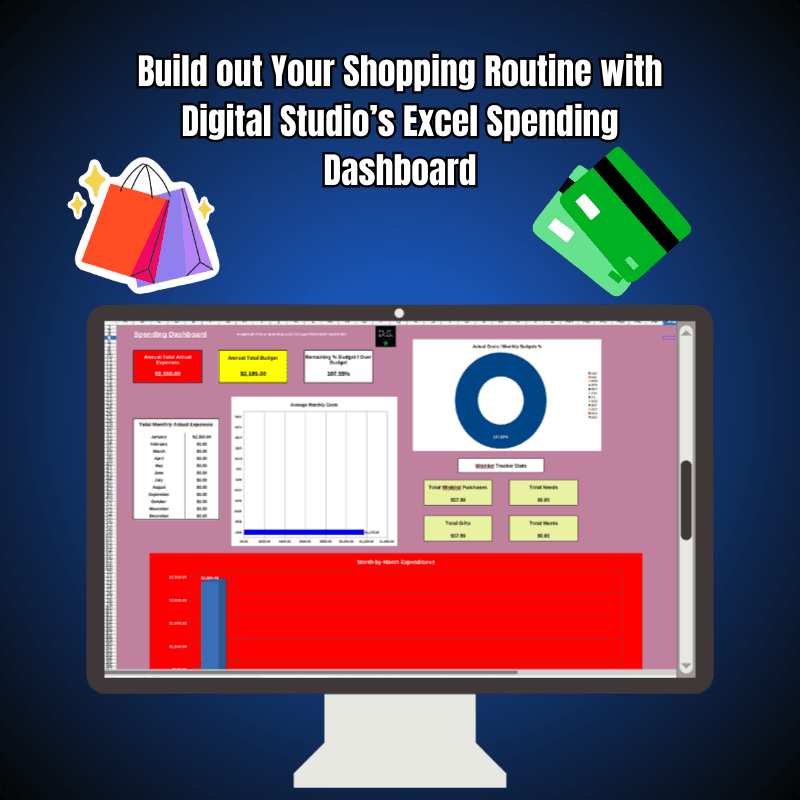
The Spending Dashboard is the central hub of the Excel Monthly Shopping Savings Tracker, offering a detailed breakdown of your entire year’s shopping behaviors through key metrics and visualizations. This spreadsheet aggregates data from all 12 months, providing a high-level analysis that helps you understand your spending trends and make informed adjustments.
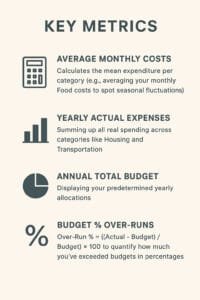
Key metrics include Average Monthly Costs, which calculates the mean expenditure per category (e.g., averaging your monthly Food costs to spot seasonal fluctuations); Yearly Actual Expenses, summing up all real spending across categories like Housing and Transportation. Annual Total Budget, displaying your predetermined yearly allocations, and Budget % Over-Runs, which uses formulas like Over-Run% = ((Actual – Budget) / Budget) × 100 to quantify how much you’ve exceeded budgets in percentages.
Additionally, it integrates stats from the Wishlist Tracker, such as the number of purchased items versus rejected ones, giving you a holistic view of how wishlist decisions impact your overall finances.
The dashboard’s clean layout and automated updates make it easy to identify problem areas— for instance, if Transportation costs consistently overrun by 15%, you can drill down to adjust future budgets. This feature transforms raw data into strategic insights, helping you curb overspending and align your shopping with long-term financial health.
Wishlist Tracker: Organize and Prioritize Your Desires 📌
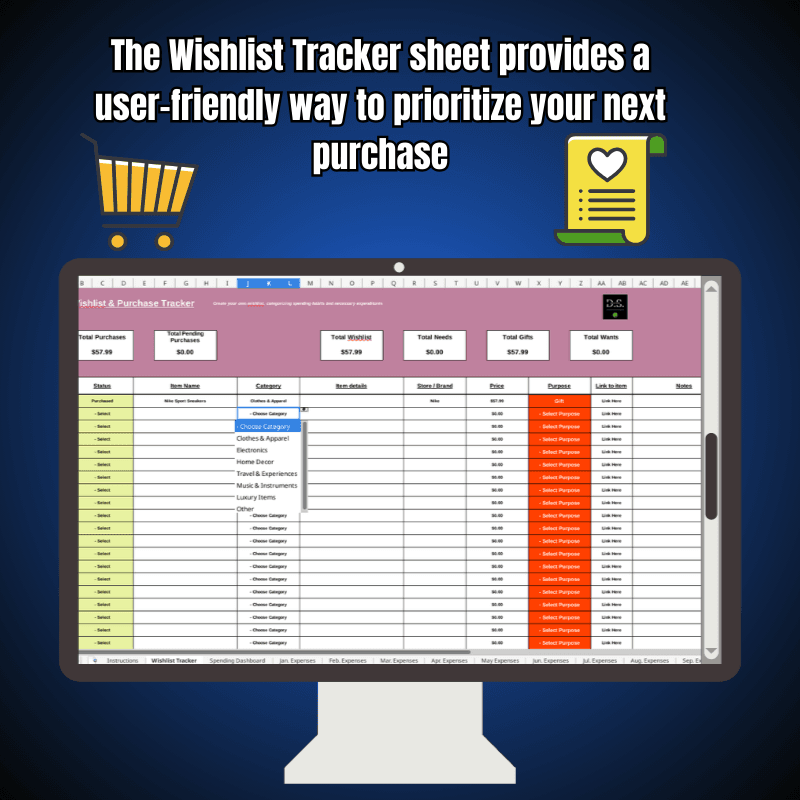
The Wishlist Tracker spreadsheet is a standout feature for managing those tempting “wants” alongside your essential needs. This sheet allows you to create a clear, itemized list of products or items you’re considering, complete with columns for details like item name, estimated cost, category (e.g., Food-related gadgets or Housing decor), and priority level.
A convenient drop-down menu function lets you mark each item as “Pending,” “Purchased,” or “Rejected,” providing a visual status update at a glance. For example, you can add a new coffee maker under Food, estimate its cost at $50, and track its status as you decide whether it fits your budget.
The tracker automatically tallies totals for pending and purchased items, feeding into the Spending Dashboard’s stats to show how wishlist fulfillment affects your annual expenses. This not only helps prevent impulse buys but also encourages mindful decision-making.
Rejecting non-essentials can free up funds for critical areas like Transportation. Whether you’re saving for a vacation or simply avoiding buyer’s remorse, the Wishlist Tracker turns vague desires into organized, budget-friendly plans.
12-Monthly Shopping Savings Tracker: Granular Control for Every Month 📌
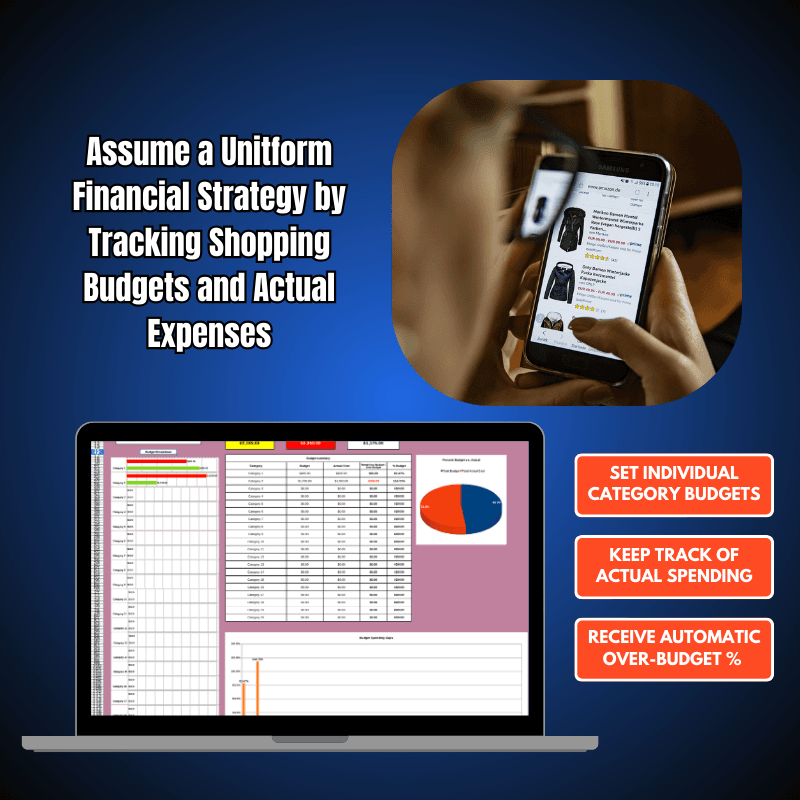
The 12-Monthly Shopping Budgets spreadsheets provide dedicated sheets for each month, enabling you to set and track budgets with precision across your shopping needs and wants. Each monthly sheet includes predefined categories such as Food (e.g., groceries, dining out), Housing (e.g., rent, utilities, home goods), Transportation (e.g., gas, public transit, vehicle maintenance), and customizable slots for other expenses like clothing or entertainment.
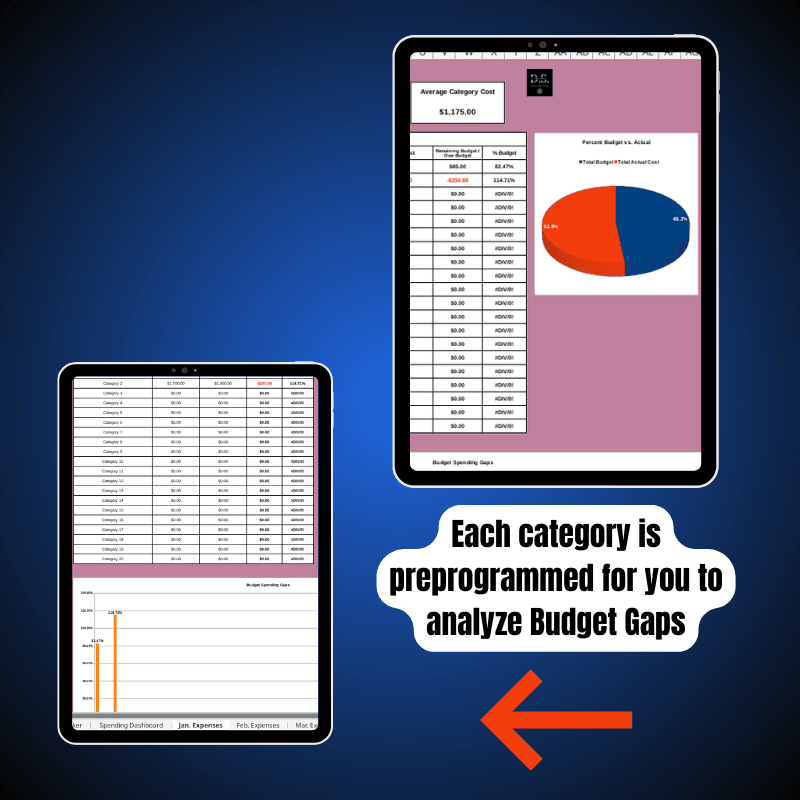
You can input your predetermined budget for each category—say, $400 for Food in January—and then log actual costs as they occur. If you go over budget, the spreadsheet highlights variances in red, using formulas like Variance = Actual – Budget to show the exact overrun amount.
This real-time tracking ensures accountability; for instance, if Housing costs spike due to unexpected repairs, you can adjust other categories accordingly. The sheets also link to the Wishlist Tracker, allowing you to incorporate pending purchases into your monthly projections.
By the end of the year, this granular data flows into the Spending Dashboard, offering a deep analysis of costs and helping you refine budgets for the next cycle. Whether you’re dealing with fluctuating income or seasonal shopping spikes, these monthly budgets provide the flexibility to adapt while maintaining overall financial discipline.
Deep Analysis for Smarter Shopping
What sets this Savings Tracker apart is its emphasis on deep cost analysis. Beyond simple logging, the tool uses Excel’s built-in functions to dissect your spending. In the Spending Dashboard, metrics like Average Monthly Costs reveal patterns—perhaps your Transportation expenses average $200 but peak at $300 in summer due to travel.
Yearly Actual Expenses versus Annual Total Budget provide a year-end reconciliation, while Budget % Over-Runs pinpoint chronic issues, such as frequent 10% overruns in Food, prompting lifestyle changes like meal planning.
The integration with the Wishlist Tracker adds another layer, showing how “wants” contribute to overruns; stats might reveal that 20% of your annual expenses stem from purchased wishlist items. This analytical depth empowers you to make data-driven decisions, turning shopping from a reactive habit into a proactive strategy. The spreadsheet’s compatibility with Microsoft Excel or Google Sheets ensures accessibility, with no advanced skills required—just input your data and let the automations do the work.
Purchasing and Using the Excel Monthly Shopping Budget Tracker
Acquiring and setting up the Excel Monthly Shopping Budget Tracker is a seamless process:
1. Purchase: Visit Jadesales.shop and navigate to the Excel Monthly Shopping Budget Tracker listing. Add it to your cart and complete the secure checkout process.
2. Download: After purchase, you’ll be redirected to a download page where you can access the zip file containing the Excel file.
3. Unpack: Save the zip file to your computer, extract its contents, and open the Excel file in Microsoft Excel or a compatible program like Google Sheets.
4. Begin Using: Start by setting your annual and monthly budgets in the 12-Monthly Shopping Budgets sheets. Log expenses and actual costs as they occur, add items to the Wishlist Tracker, and watch the Spending Dashboard populate with metrics for immediate insights.
Why Invest in This Tracker?
The Excel Monthly Shopping Budget Tracker is more than a budgeting tool—it’s a comprehensive system for financial empowerment. Its focus on predetermined budgets, over-budget alerts, and wishlist management helps you balance needs like Food and Housing with wants, preventing debt accumulation.
The deep analysis through metrics ensures you’re not just tracking spending but understanding and improving it. Ideal for beginners or seasoned budgeters, this spreadsheet saves time with automations and fosters long-term habits for financial freedom. Whether curbing Transportation costs or rejecting unnecessary purchases, it adapts to your lifestyle.
Purchase the Shopping Savings Tracker today from Jadesales.shop and transform your shopping into a smart, sustainable practice.
📄 TERMS & CONDITIONS
1. This digital product offers instant download; we don’t ship physical items.
2. The instant download arrives as an Excel spreadsheet file.
3. Listing photos serve for display only and don’t appear in your download.
⚠️ RETURNS: Digital files don’t allow returns or exchanges. For further information, please ask all questions before you buy.
⚠️ DISCLAIMER 1: These templates showcase the creator’s artistic inspiration.
⚠️ DISCLAIMER 2: Use this Excel file for personal or business purposes only; don’t sell or share it. We don’t grant exclusive rights. File sharing, distribution, or commercial use by anyone other than the purchaser violates the rules.
❓ QUESTIONS?
If you have any questions, send me a message! I’m always happy to assist 🙂





Reviews
There are no reviews yet.